
Business debit card, reinvented.
Features
Seamless transactions, 24/7 access, and advanced security features.

Enhanced banking app for secure payments.
With cutting-edge encryption and advanced authentication features, our app provides peace of mind for both consumers and businesses. Experience the future of secure payments with us.
Create Virtual Cards
Set custom daily and monthly spend limits.
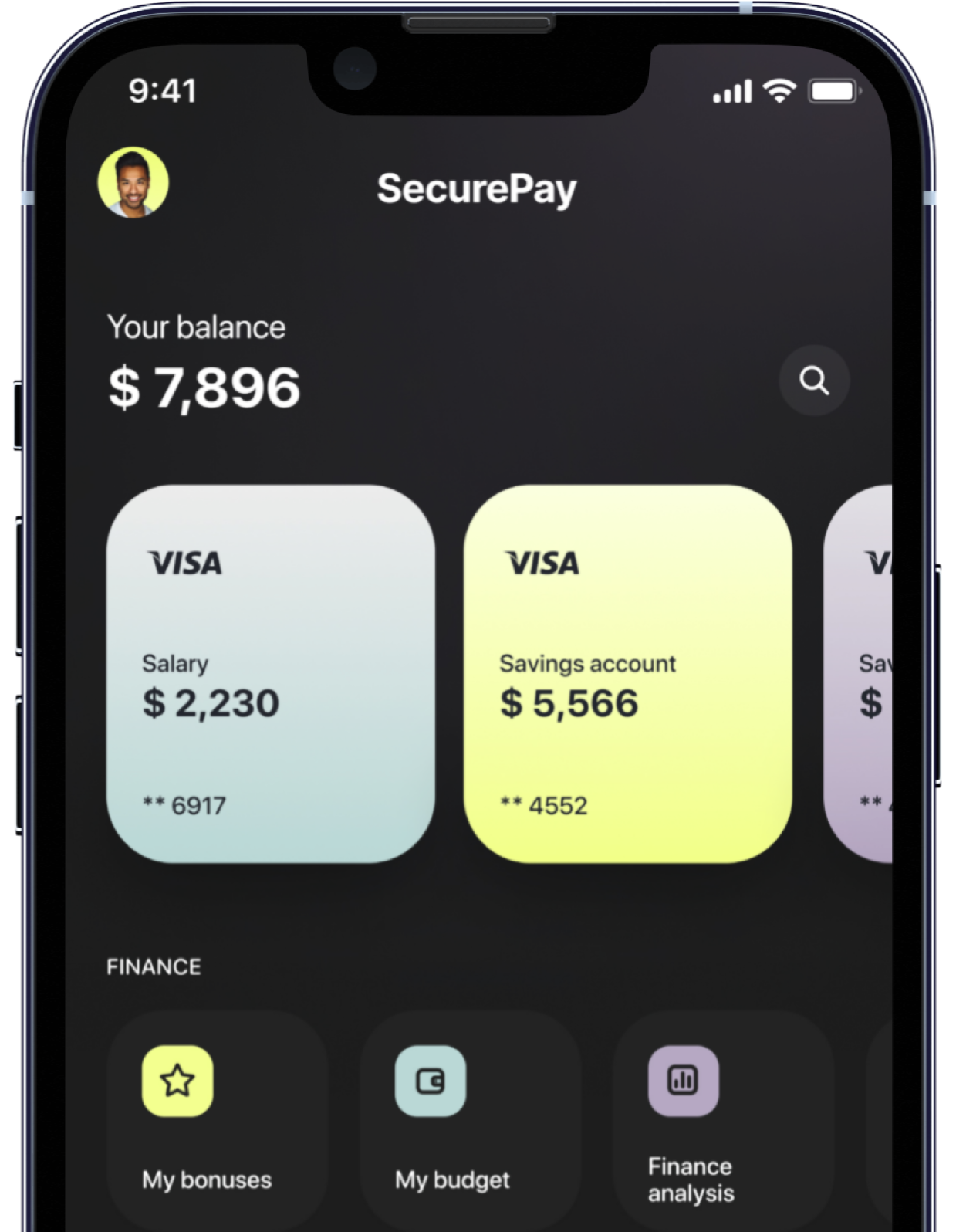
Runs on Visa
Built-in fraud protections, accepted by millions of retailers worldwide.
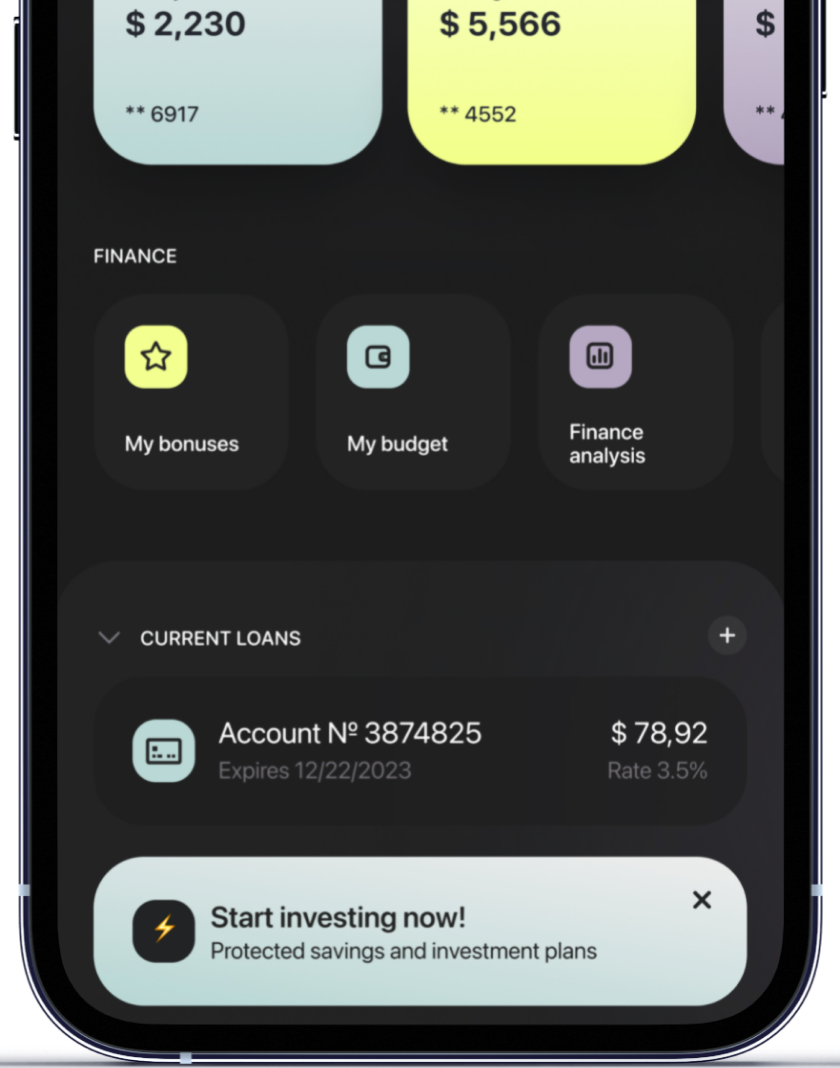
Unlimited Rewards
Earn up to 5x points on every $1 spent with your card.
Easy, safe, and hassle-free.
Send & receive money instantly
You can now make instant secure payments from your smartphone. Say goodbye to waiting for transactions to process – with SecurePay, your money gets into the bank in a snap.

It's simple, secure and convenient.
Take control of your finances.
Our innovative mobile application ensures secure and efficient payments. Take control of your transactions with confidence and ease, knowing your financial security is our top priority.
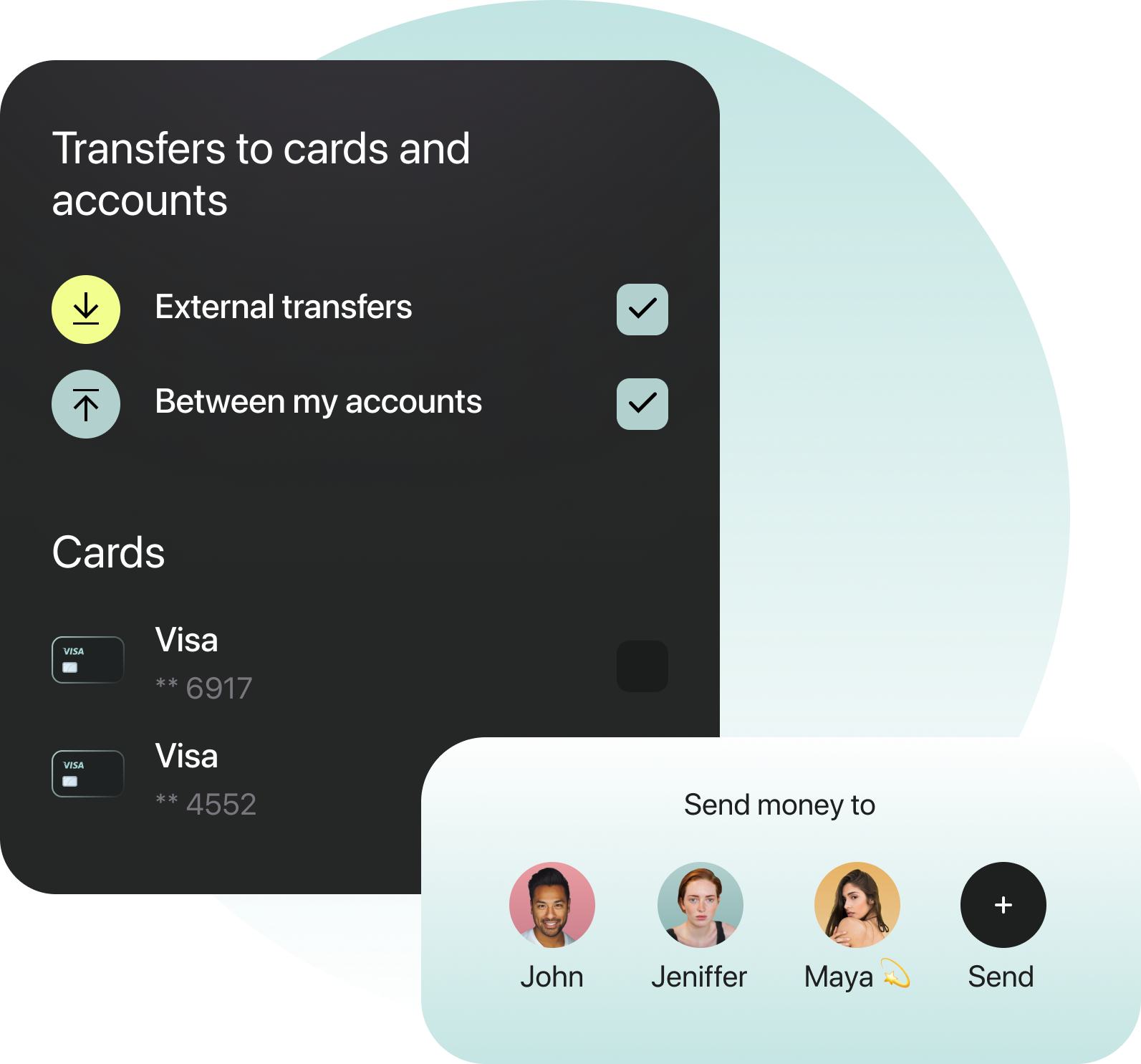
Instant transactions
Personalized insights
Real-time alerts
Efficient bill payments
Access key features, receive alerts, and manage your finances from the palm of your hand, ensuring banking fits seamlessly into your lifestyle.
One app.
One banking.
Need help?
support@paywire.co
Support Email
-
How do I open a PayWire account?
Opening an account takes just a few minutes. Click Open Account and complete the secure registration form with your basic details.
Once submitted, your information is reviewed and your account is activated. You’ll receive a confirmation email as soon as your account is ready to use.
-
How do I order a new card?
After your account is active, you can request a new PayWire card from your dashboard. Navigate to Cards & Accounts, select Request New Card, and confirm your delivery details. Virtual cards are available instantly, while physical cards typically arrive within standard delivery timeframes.
-
How do I change my account limits?
Account limits can be adjusted based on account activity and verification status. To request an update, go to Account Settings → Limits & Access and submit a limit review request. Our system will evaluate eligibility and notify you once updated.
-
What's PayWire Premium?
PayWire Premium is our upgraded account tier designed for higher transaction activity and additional security features. Premium users receive priority processing, expanded limits, enhanced monitoring, and dedicated support for a more streamlined banking experience.
-
Can I have more than one PayWire account?
For security and compliance purposes, each user typically maintains one primary account. If you require additional accounts for business or operational needs, you can submit a request through support and our team will review available options.